Which courses are included for my state?
View the Work State listing above to see the course listing for your state. If you’re unsure, we are happy to confirm for you. Contact us 9–5 ET, M–F: 1-800-685-7610 or info@carecourses.com.
CDA renewal training
The core subscription includes full 45-hour CDA renewal training.
When does access start and how long does it last?
You may activate a subscription as soon as you check out. Subscription access lasts 12 months from your purchase date; it will automatically renew unless you cancel.
Cancellation policy
Subscriptions renew automatically each year. To avoid the next charge, cancel at least 48 hours before your renewal date in the My Orders area of your account. To cancel your Subscription, login to your Care Courses account, go to My Orders, select the order that contains your Subscription, and choose the cancellation option.
Is this a one-time annual purchase or auto-renewing?
Auto-renewing: Renews annually. You can turn off auto-renew anytime in My Account. To avoid the next charge, cancel at least 48 hours before your renewal date.
Can I switch or retake a course?
Yes. You can switch to a different course at any time.
If you don’t pass on your first attempt, you can retake the test. If you do not pass the course on your second attempt, please contact Care Courses for assistance in restarting your course.
What happens to unfinished courses if I don't renew my subscription?
You will need an active subscription to continue and complete courses. If you do not renew your subscription, you will lose access to any incomplete courses when your subscription ends.
Can I re-download certificates after my subscription expires?
Yes. Your certificates will remain available in the My Courses area of your account.
Can previous purchases be credited toward a subscription?
No. Previously purchased individual courses or bundles cannot be credited toward subscriptions.
What is your refund policy?
What’s a “seat”? Can multiple people share one seat?
One seat = a subscription for one person with their own login and certificates. A single seat cannot be shared. A single seat can be activated by the purchaser in their own account or given to one of their team members.
How do I buy and assign multiple seats?
Choose a quantity at checkout. After purchase, use the Activate Online Training page to assign seats to yourself and members of your team. Use the Manage Team area of your account to invite others, such as your staff, assistant, or anyone you want to purchase training for to your team. The team member invitation must be accepted before the recipient becomes a member of your team. Once they are a member of your team, you will see their name in the Activate Online Training page when assigning subscription seats.
Can seats be transferred if an employee leaves?
Call us at 1-800-685-7610 if an employee leaves.
Do admins get dashboards?
Yes. Use the Manage Team area to invite team members, track enrollment, course status, and download certificates.
Do you support POs/invoicing?
Contact info@carecourses.com for more information.
Are courses 100% online? Is audio included?
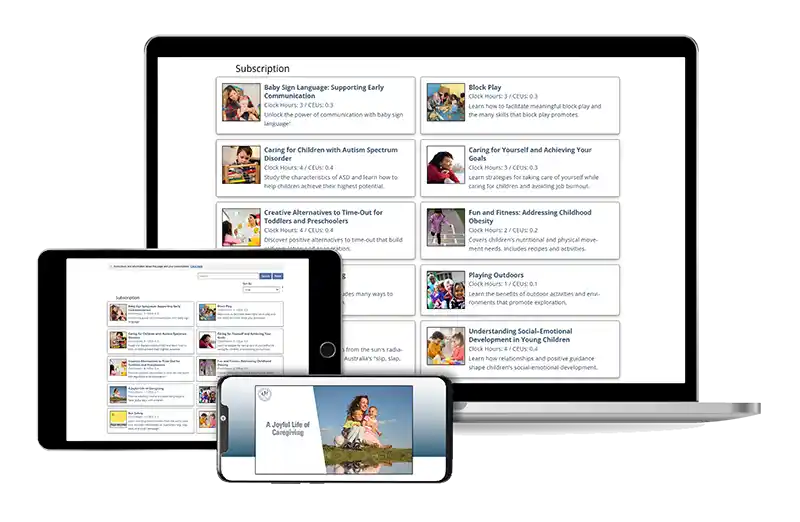
Yes—courses are fully online and mobile friendly. All include audio narration. See each course page for specifics: Browse courses.
Subscriptions do not include CourseBooks.
Can I start on one device and finish on another?
Yes. Your progress syncs across devices when you’re logged in.
How long is each course? Are there quizzes/tests?
Lengths vary (1–20 hours). Courses include short self-checks for understanding, various other exercises, and graded quizzes to earn your certificate.
Is there a time limit per course or per quiz attempt?
After a course is activated, you have 12 months before the course expires. You can pause and resume anytime. If you don’t pass on your first attempt, you can retake the test. If you do not pass the course on your second attempt, please contact Care Courses for assistance in restarting your course.
Can I preview learning outcomes?
Yes. View learning outcomes on each course’s information page: Course information.
What certificates do I receive and when?
You’ll receive a downloadable/printable PDF certificate after passing a course. Certificates include your name, the course title, the completion date, the clock hours and CEUs earned, state topic areas (as required), our company name and contact information, and the trainer signature. You can re-download them anytime from the My Courses area of your account.
What’s on the certificate?
Your name, the course title, the completion date, the clock hours and CEUs earned, state topic areas (as required), our company name and contact information, and the trainer signature.
What does “unlimited trainer support” mean?
You can call our trainers with course or CDA questions—as often as you need—during business hours (9–5 ET, M–F). You can also email us evenings and weekends and we will respond as quickly as we can.
How do I contact support?
See our contact page.
Privacy
We protect your data and never sell learner information. See our Privacy Policy: Privacy & Security.
System requirements
A modern, updated browser (Chrome, Edge, Safari, Firefox), reliable internet, and a PDF reader for certificates. Enable pop-ups. System requirements
Spanish options?
We offer Spanish courses individually. Explore Spanish training here: Spanish courses.
What if a course I need isn’t in the subscription?
You can purchase that course individually: Browse individual courses.